• Releases

    Blender Add-on: Wretch AutoFit is out, refit a garment to a new body automatically

    Wretch AutoFit is a Blender add-on that takes a finished garment and refits it to a different body shape, without manually doin it.

    What it actually does

    You point it at three things: the body the garment currently fits, the body you want it on, and the garment itself. Hit fit, and it rebuilds the garment against the target body’s real surface, the actual mesh proportions, not a rough scale guess.

    It duplicates the garment and writes the result into an AutoFit_Result shape key. Topology, vertex order, UVs, materials, custom layers, all preserved. If you hate the result, you delete the duplicate and nothing happened.

    A few things worth calling out:

    • Live preview. You don’t fit once and pray. You start a live duplicate and drag the sliders while the garment updates in the viewport. Torso match, surface guide, body hug, clearance, all adjustable while you watch.
    • It reads the body instead of guessing. It finds the waist, hips, bust, underbust, neck, crotch, armpits, and limb joints by measuring the mesh, even on A-pose arms or when thighs touch.
    • Garment-aware behavior. Tight areas hug the body, loose areas keep their drape, and collars, cuffs, hems, and zipper strips get protected so they don’t collapse. You can paint these by hand if the auto-classifier guesses wrong. (this is actually for a future update)
    • Body Hug and collision for when you need it tighter or it’s clipping through.

    It’s not magic, and I won’t pretend it is

    Big proportion jumps: Legacy to eBody Reborn is the classic one, still want you to place a few landmarks by hand and nudge a couple of sliders. The page https://wretch3d.com/wretch_autofit has my actual starting numbers for the common conversions, because “just use the defaults” is a lie I’m not going to tell you. What it does buy you is going from hours of manual reshaping to a few minutes of slider work.

    Requirements

    Blender 4.2 LTS or newer (I tested on 4.2, 5.1 and 3.6.4 worked as well). Install the zip through Edit > Preferences > Add-ons > Install, enable it, and the panel shows up in the N-sidebar under Wretch AutoFit.

  • News

    A dream comes true: Blender Auto Fit Clothes for Second Life

    Today I’m excited to share the MVP of a new Blender addon I’ve been developing for myself and for Second Life creators.

    What makes this project special to me is that it’s something I’ve wanted for almost 10 years.

    Back then, I dreamed of having a tool that could automatically adapt clothing from one body to another without destroying the original work, the details, keeping the UVs, and skip the tedious work I’ve done again and again!!! Over the years, I made several attempts to build something similar, but none of them reached a point where I was satisfied with the results. Some approaches were too limited, others were completely unreliable, and most of all it was simply not usable for a production item.

    After all this time, I’m genuinely happy with how this version has turned out. In fact, I still find it hard to believe that it was possible to achieve at all.

    Current Features

    Live fitting in Modal

    What’s this mean? You can modify all the settings to make the garment fit properly on the body. Once happy, you apply it and exit the modal.

    UV Preservation

    One of the biggest goals was to preserve the original UV mapping during the transfer process. This means textures remain intact, avoiding the need for tedious UV corrections after adapting a garment.

    Body Anchors

    The addon uses configurable body “anchors” to accurately adjust the position and shape of garments when transferring them between bodies, and it’s live in the modal too! Even if it’s slow, it works.

    Multi-Body Support

    The system works with popular Second Life bodies such as:

    • Maitreya LaraX
    • eBody Reborn
    • Legacy

    Support for additional bodies is straightforward. New body profiles can be created by configuring the anchor points, allowing garments to be adapted to virtually any body supported by the system.

    What’s Next?

    One of the major features planned for upcoming versions is:

    • Automatic weight transfer integration from my existing Blender addon

    This will further streamline the workflow and reduce the amount of manual cleanup required after transferring clothing between bodies.

    Still a Work in Progress

    This is still very much a development build, and there is plenty of work ahead. However, reaching this stage feels like a amazing milestone. Seeing garments successfully adapt between different Second Life bodies while preserving UVs and maintaining usability is something I’ve wanted to achieve for a very very long time.

    I’m looking forward to sharing more progress, testing results, and future features as development continues.

  • News,  Releases

    Himeko Stuff

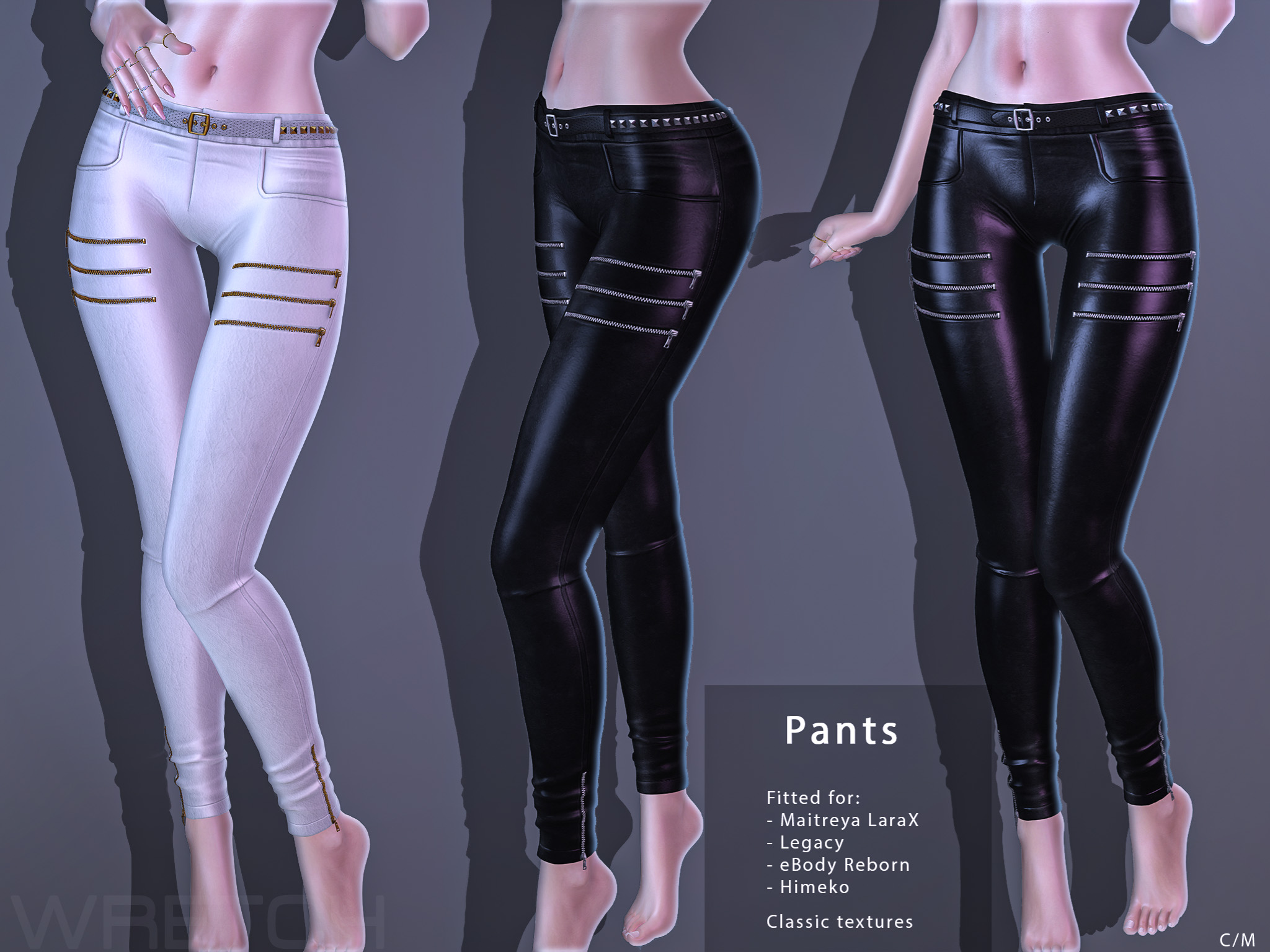
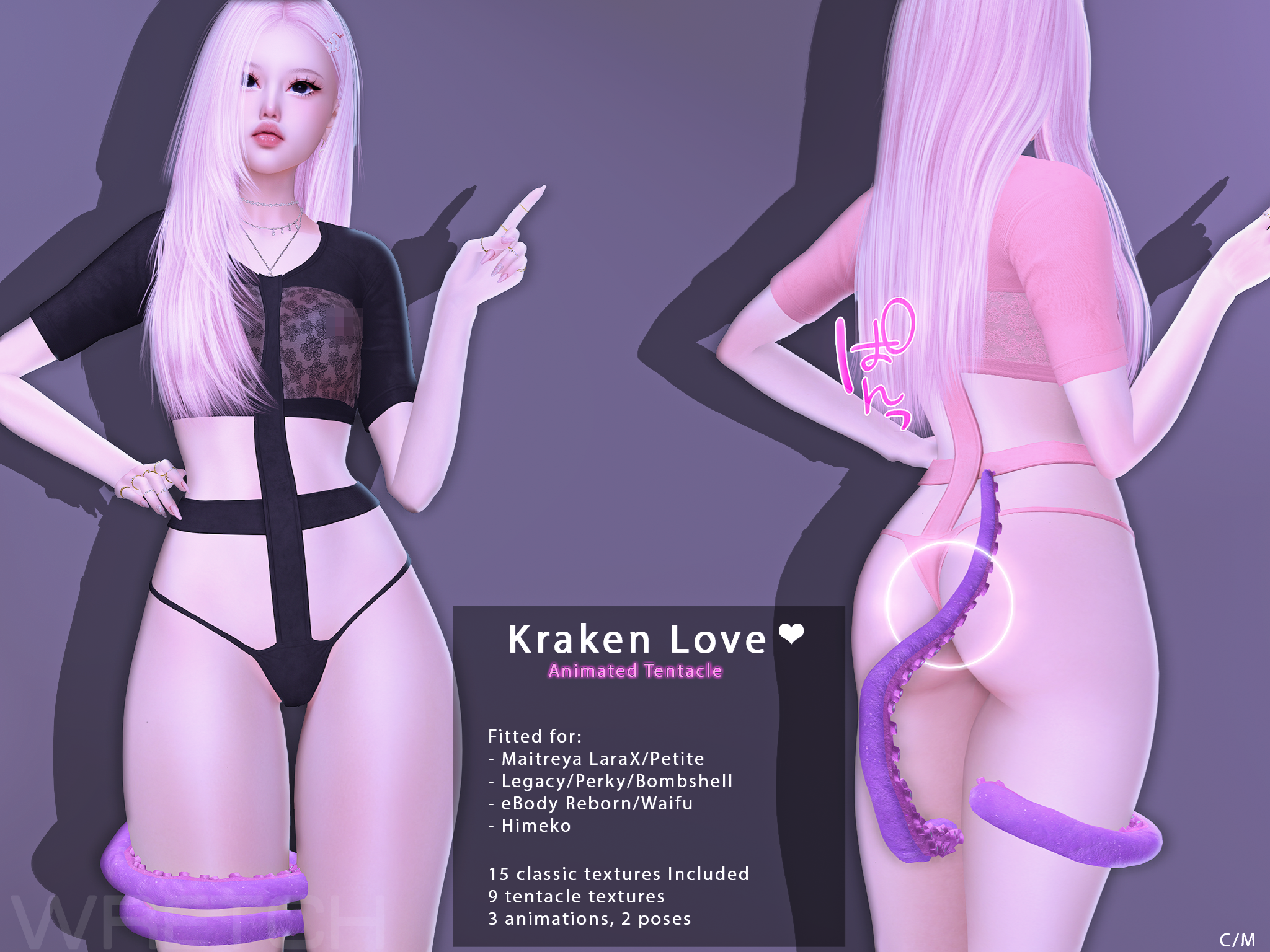
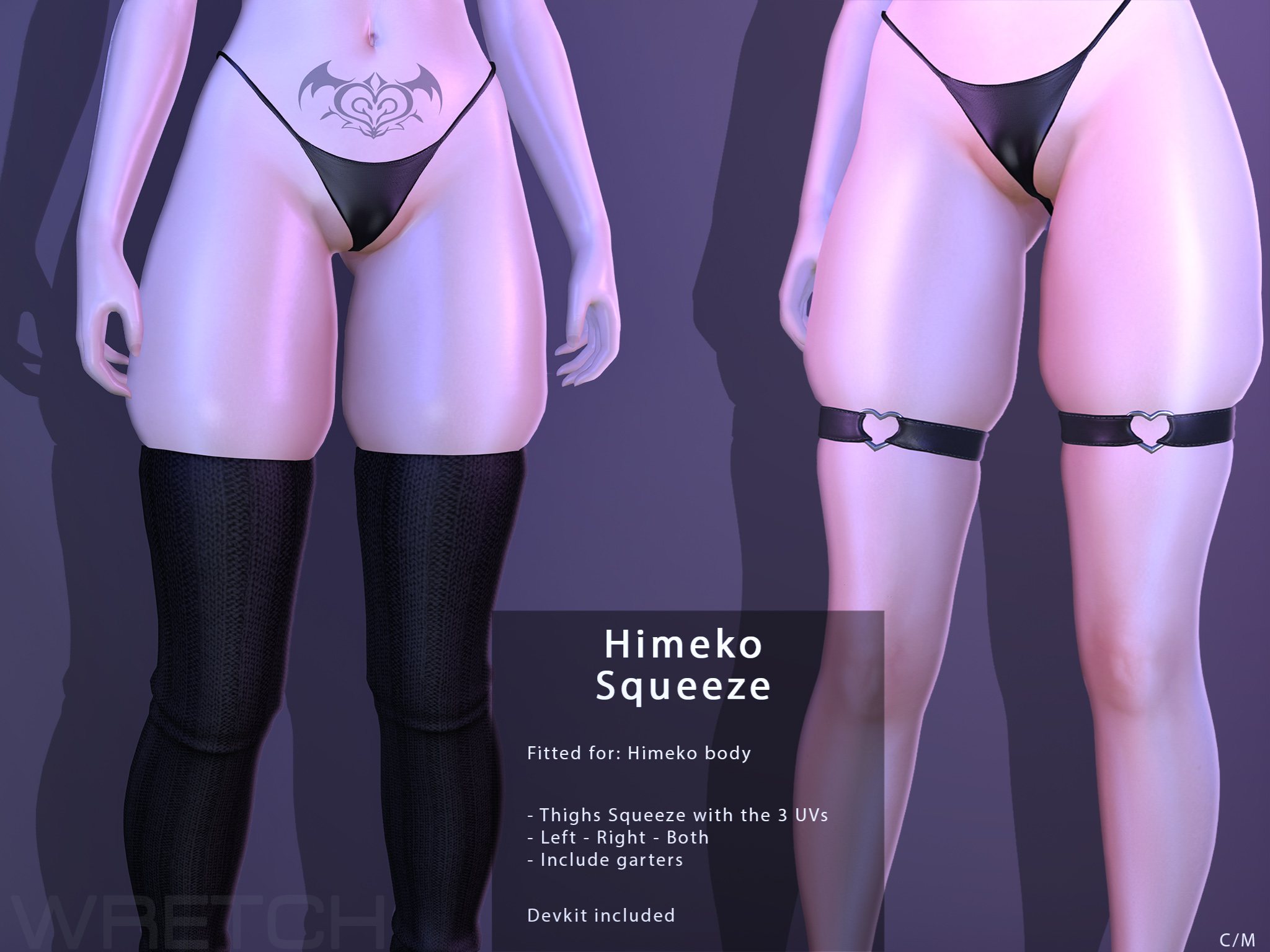
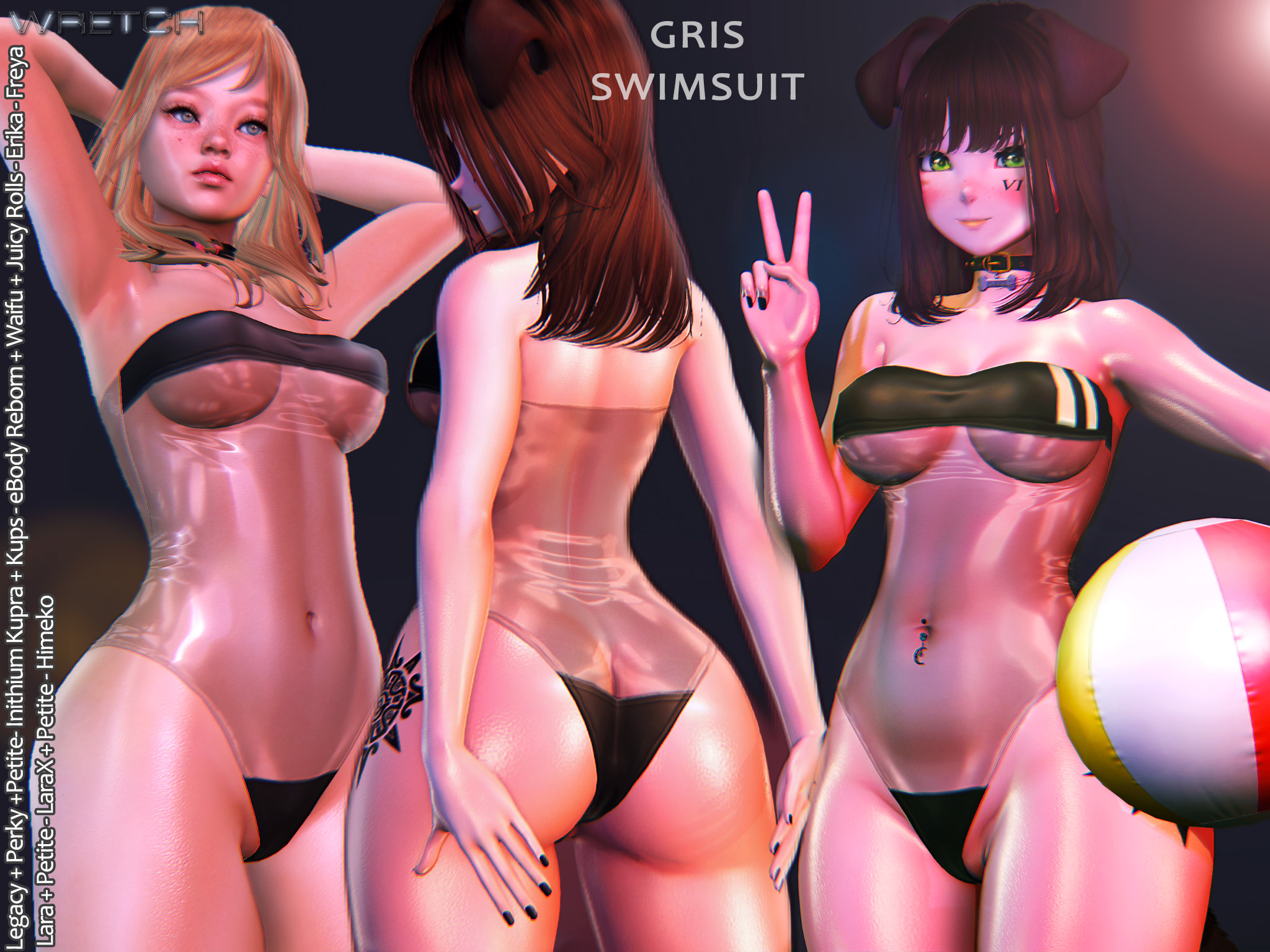
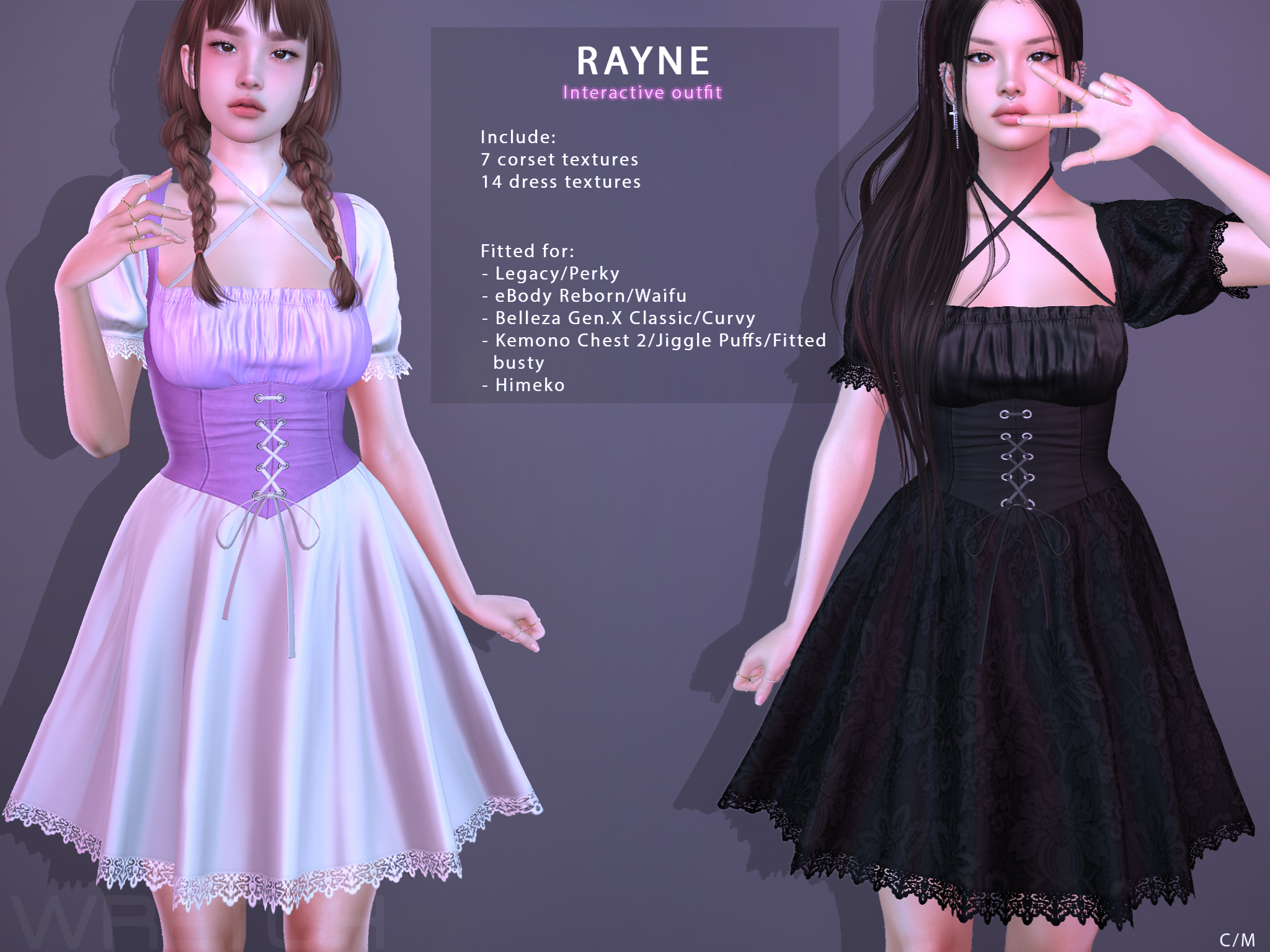
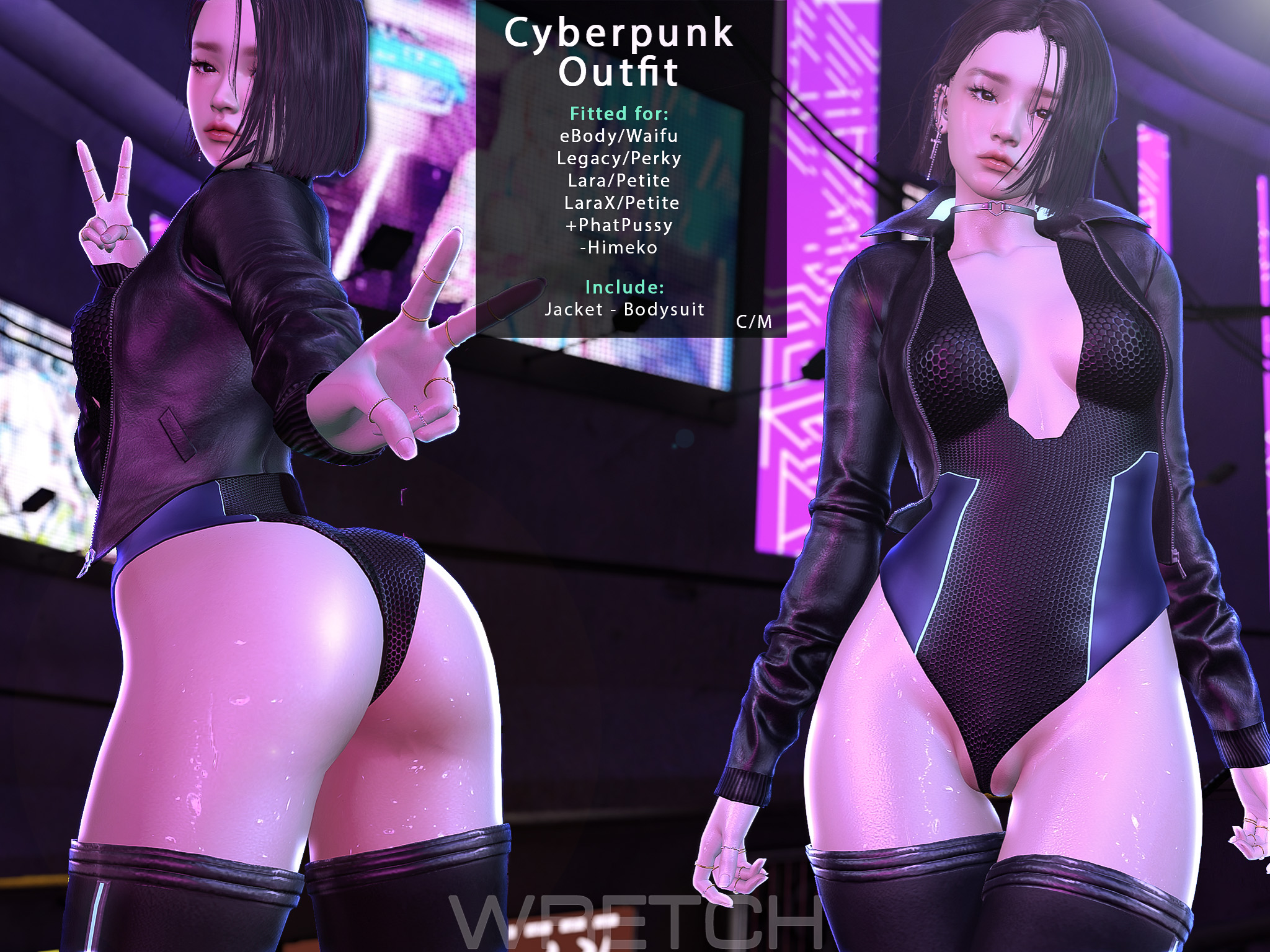
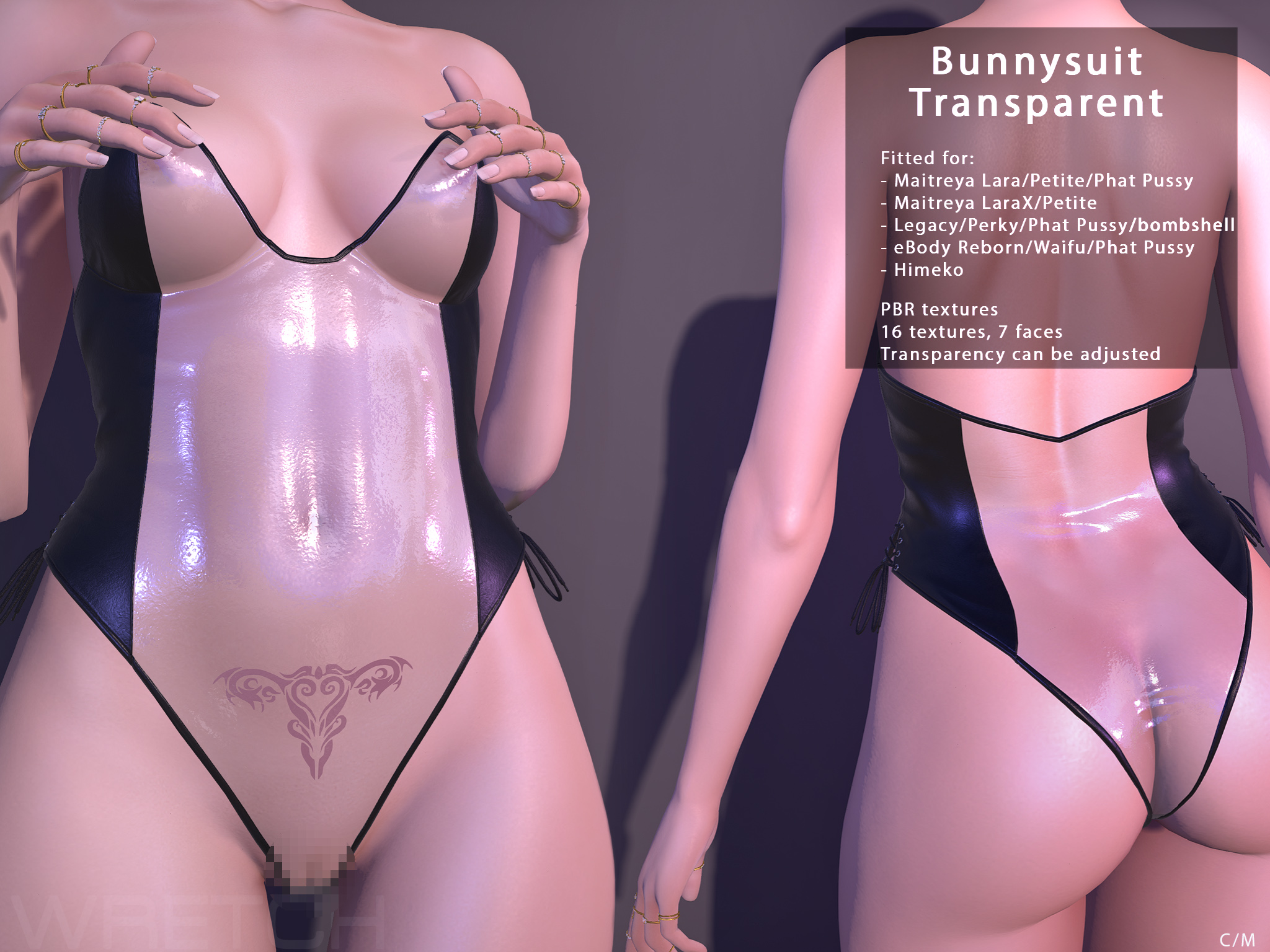
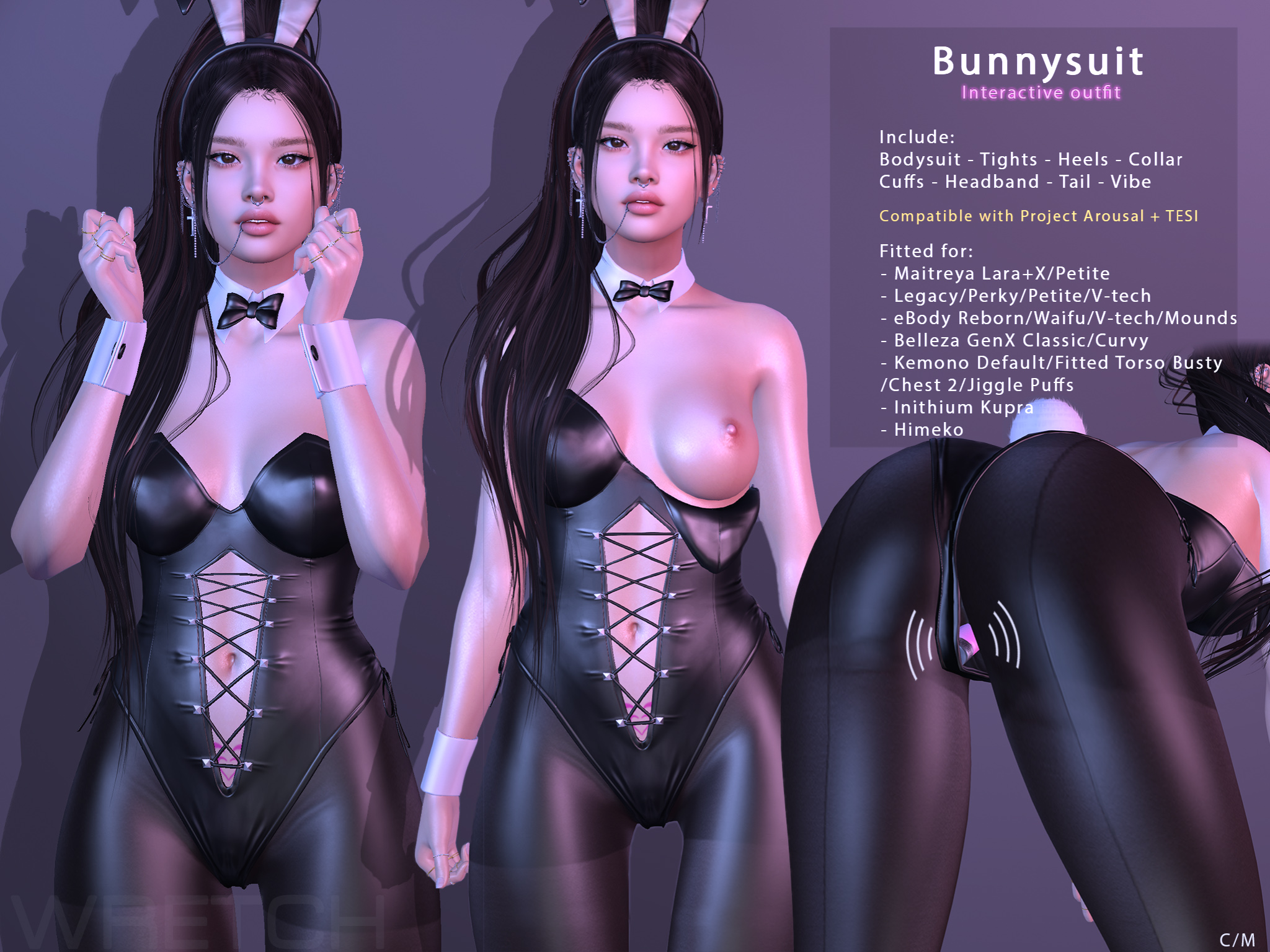
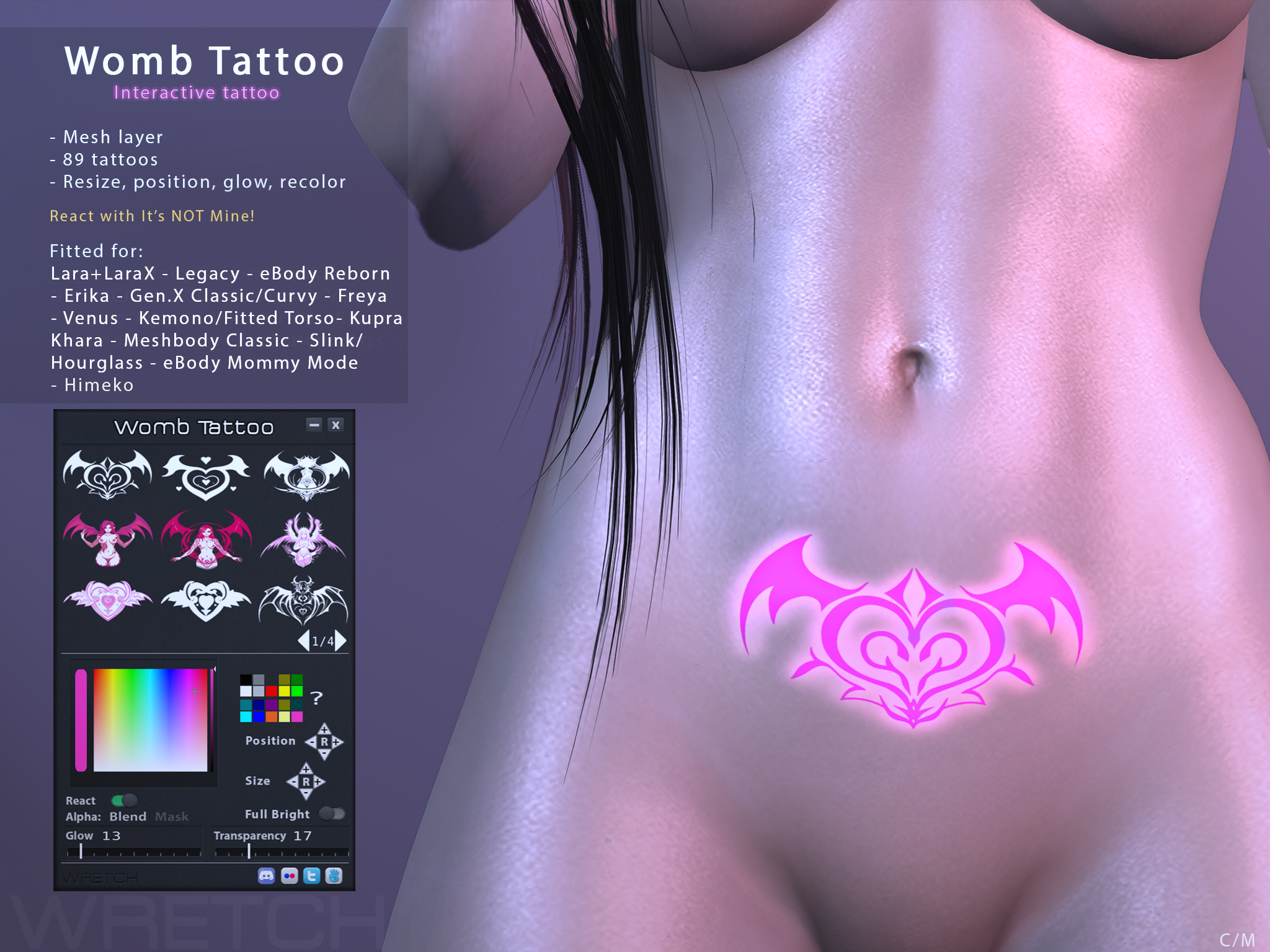
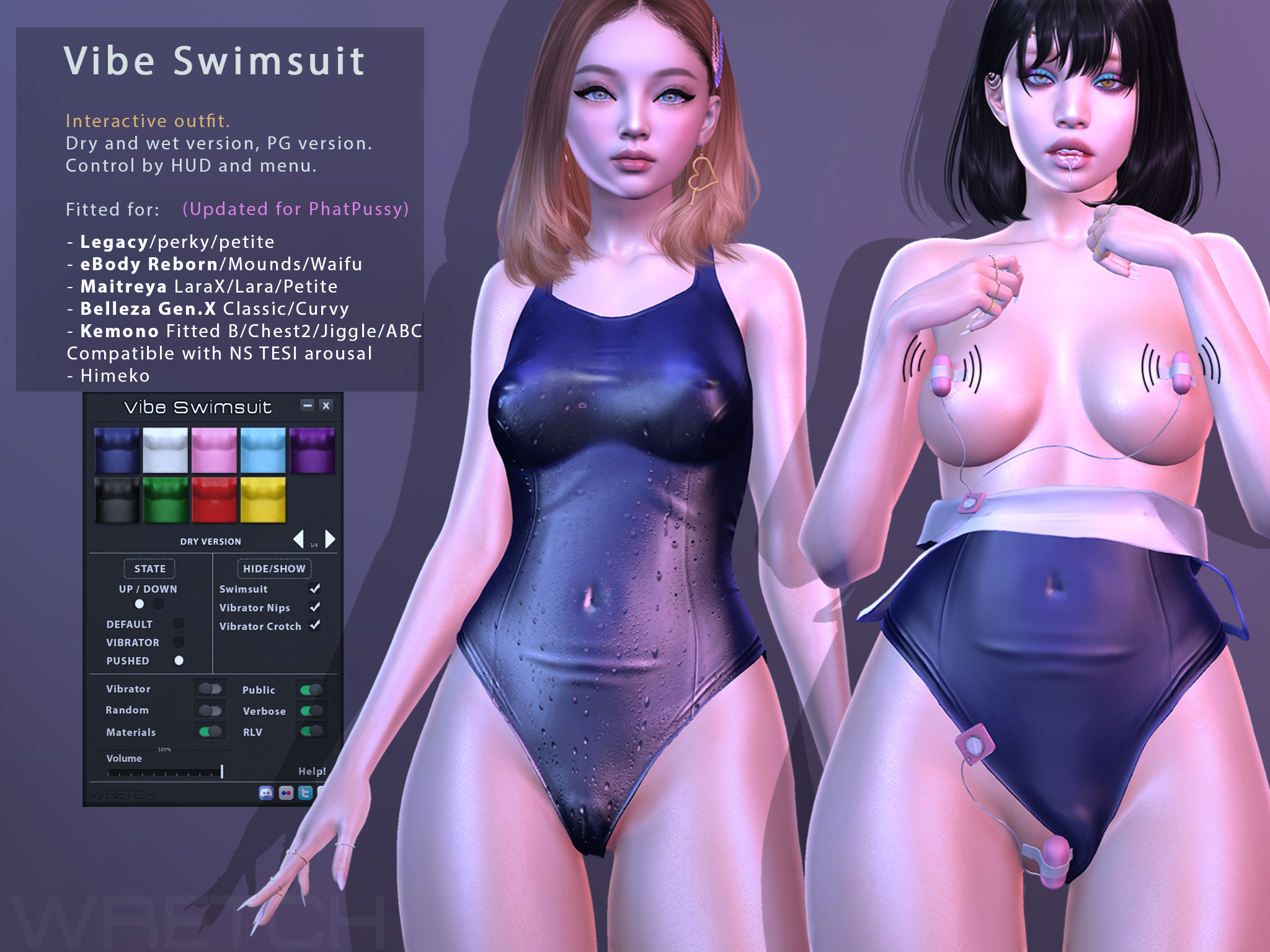
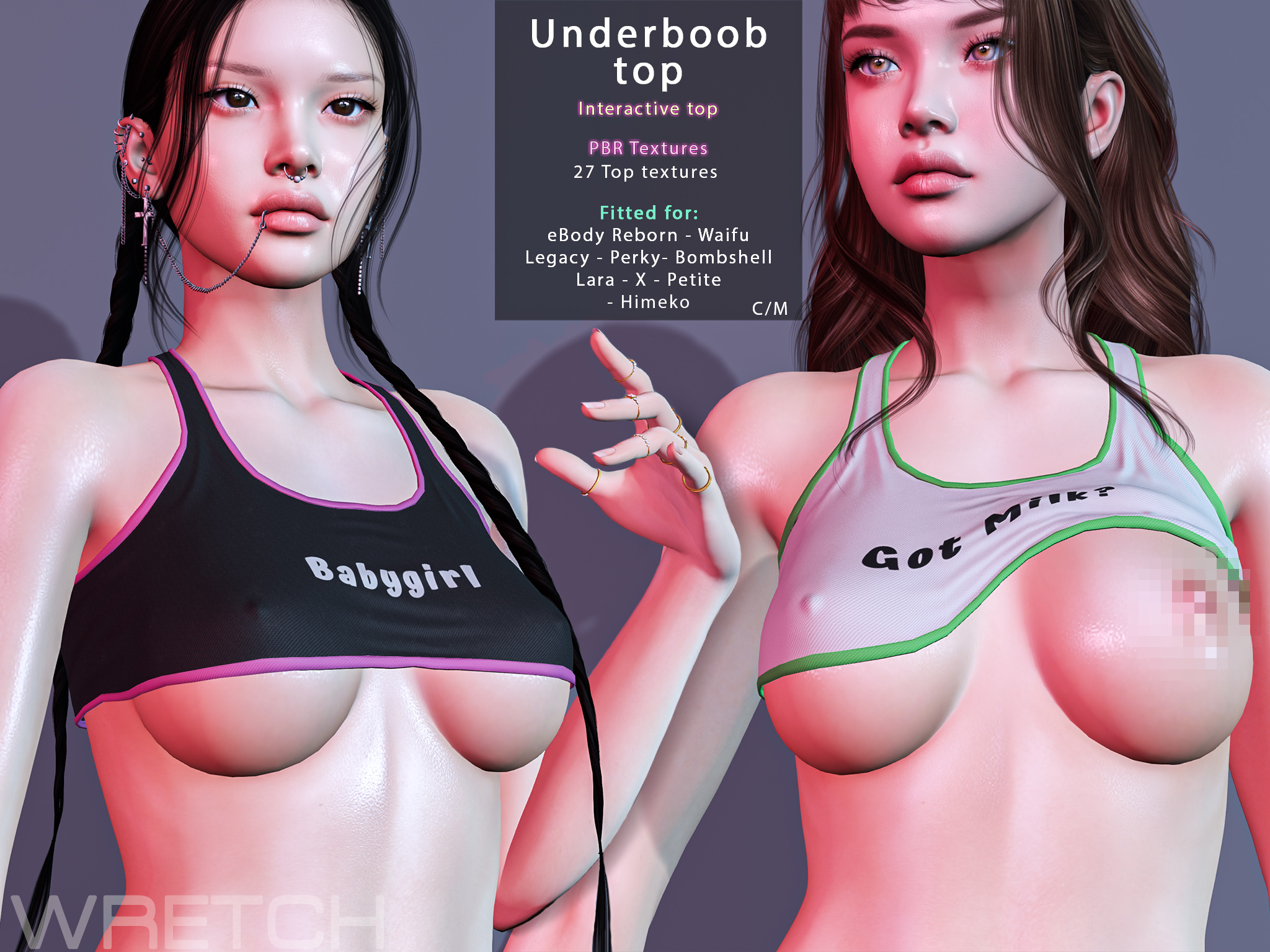
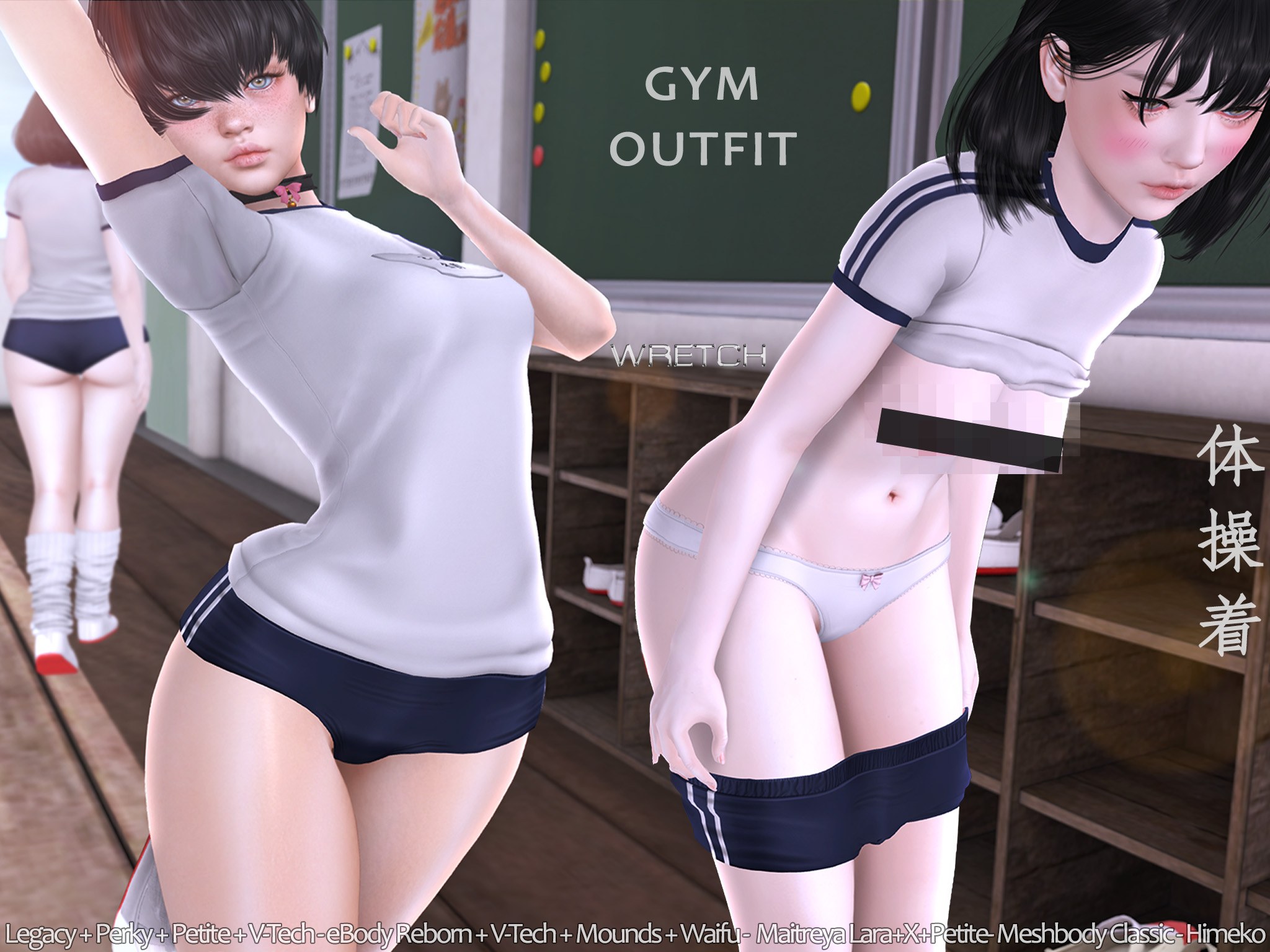
    I’ve realeased 20 outfits/items ready for Himeko body day 1, including an addon, the squeeze thighs.
    It was a huge workload to resize, rig, especially the interactive outfits, and script with the auto hide.

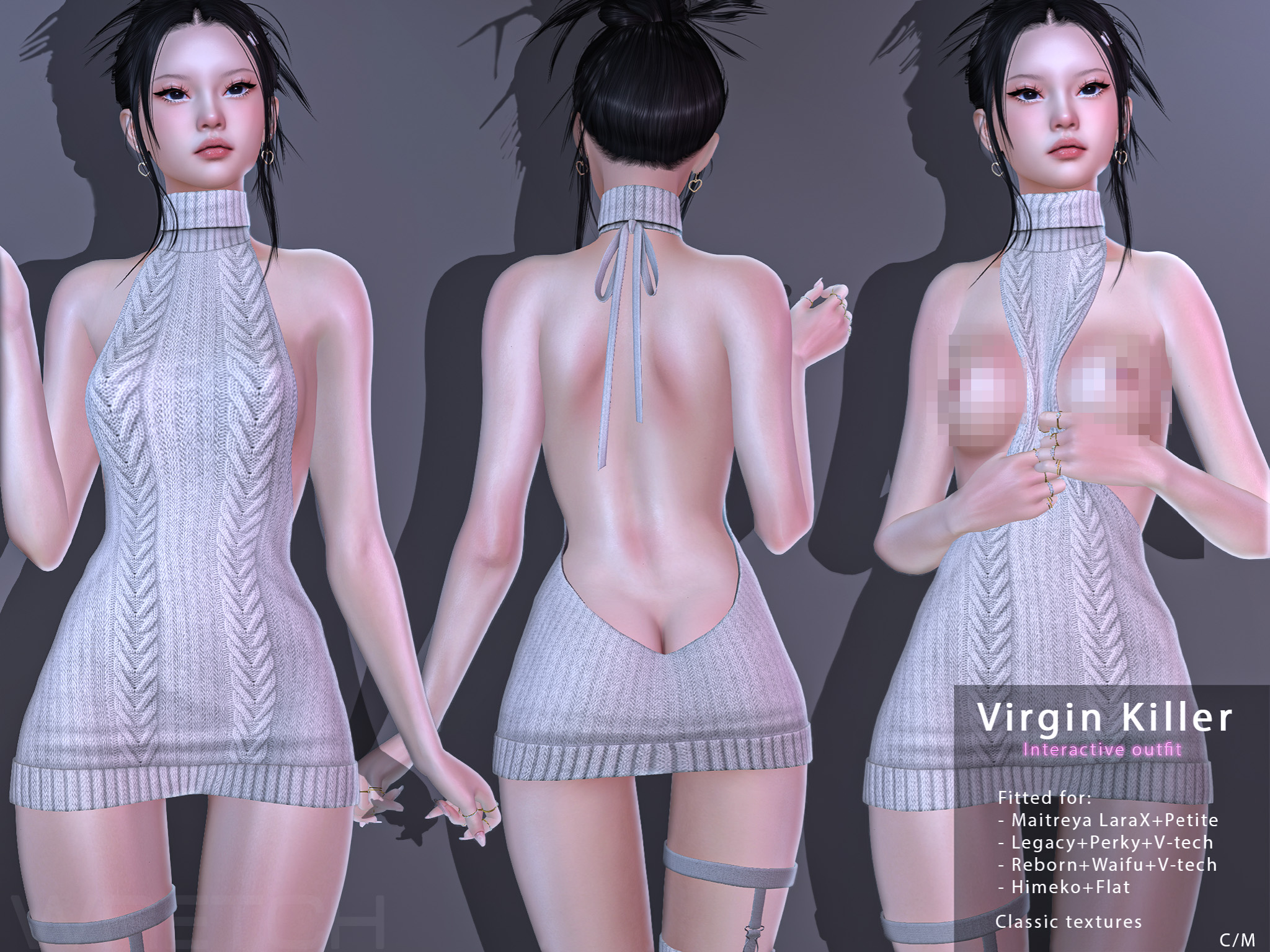
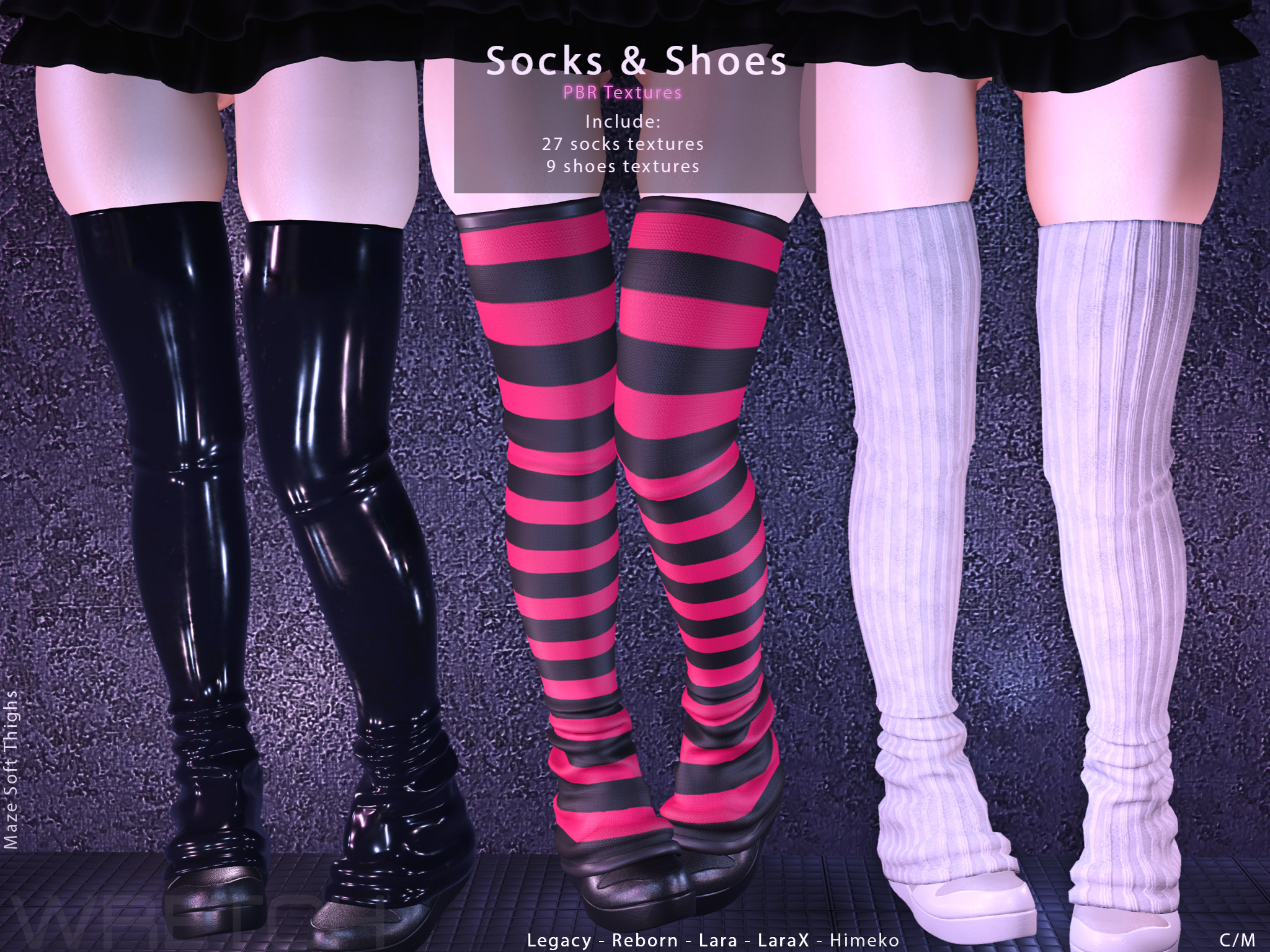
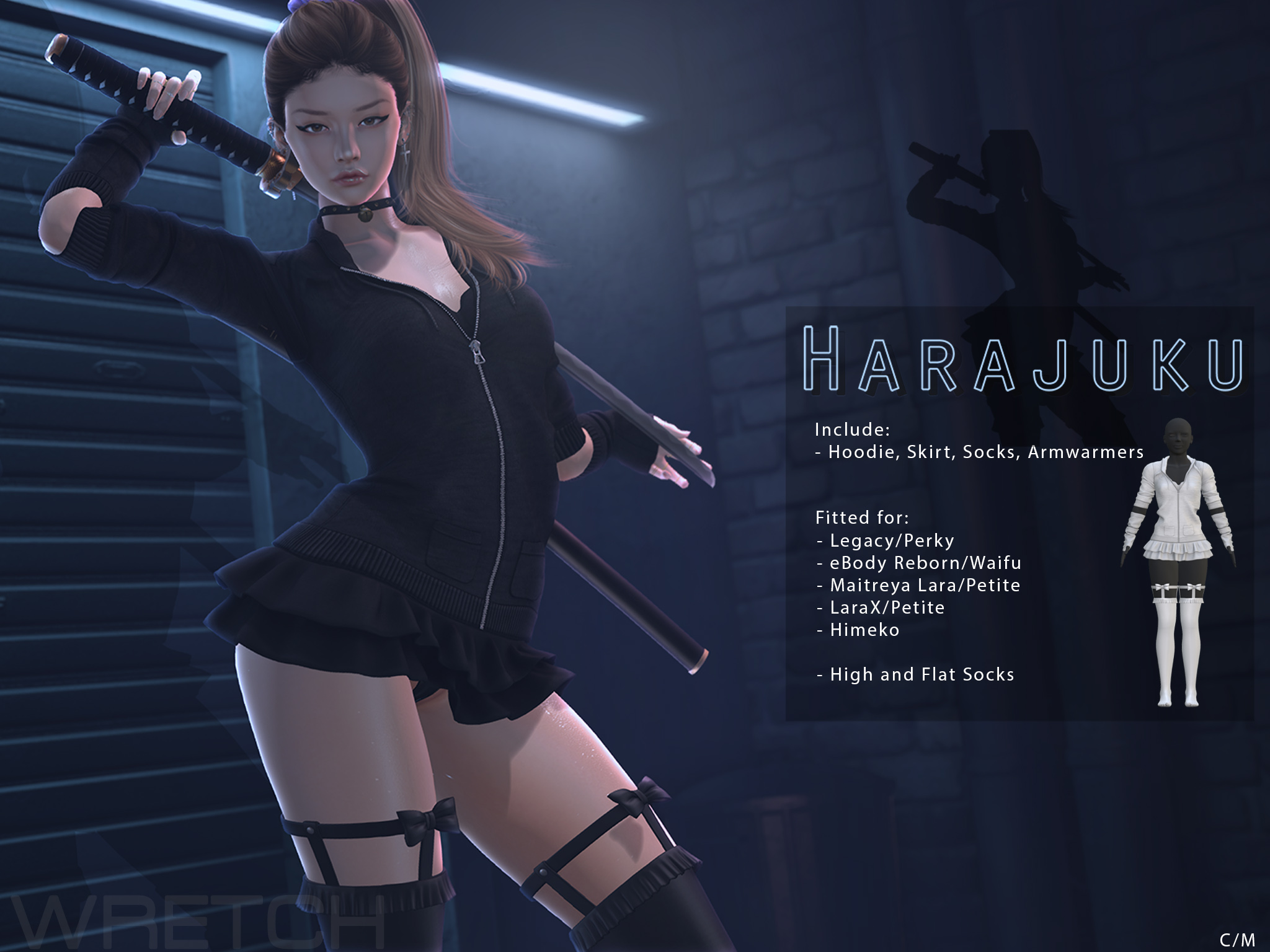
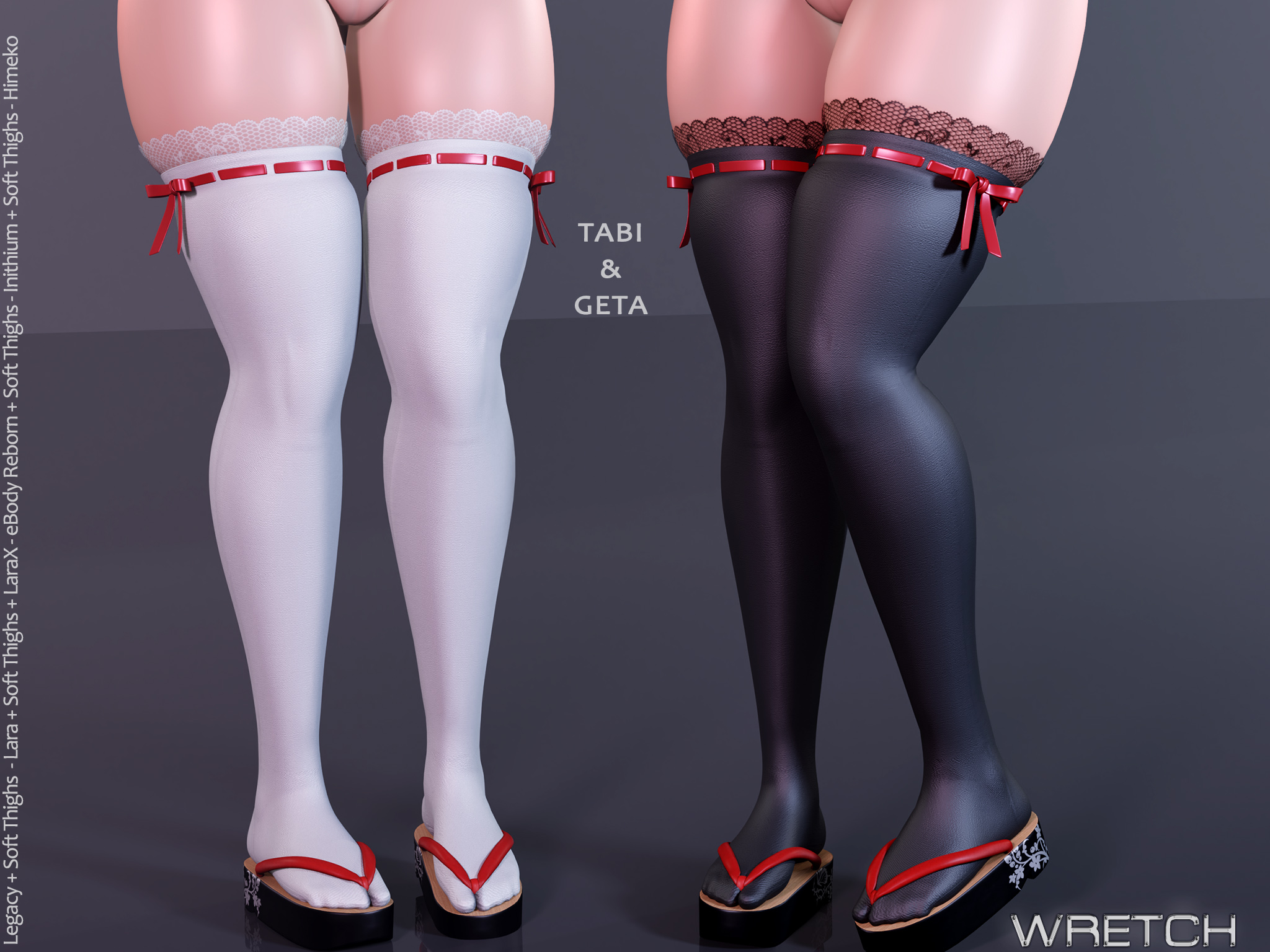
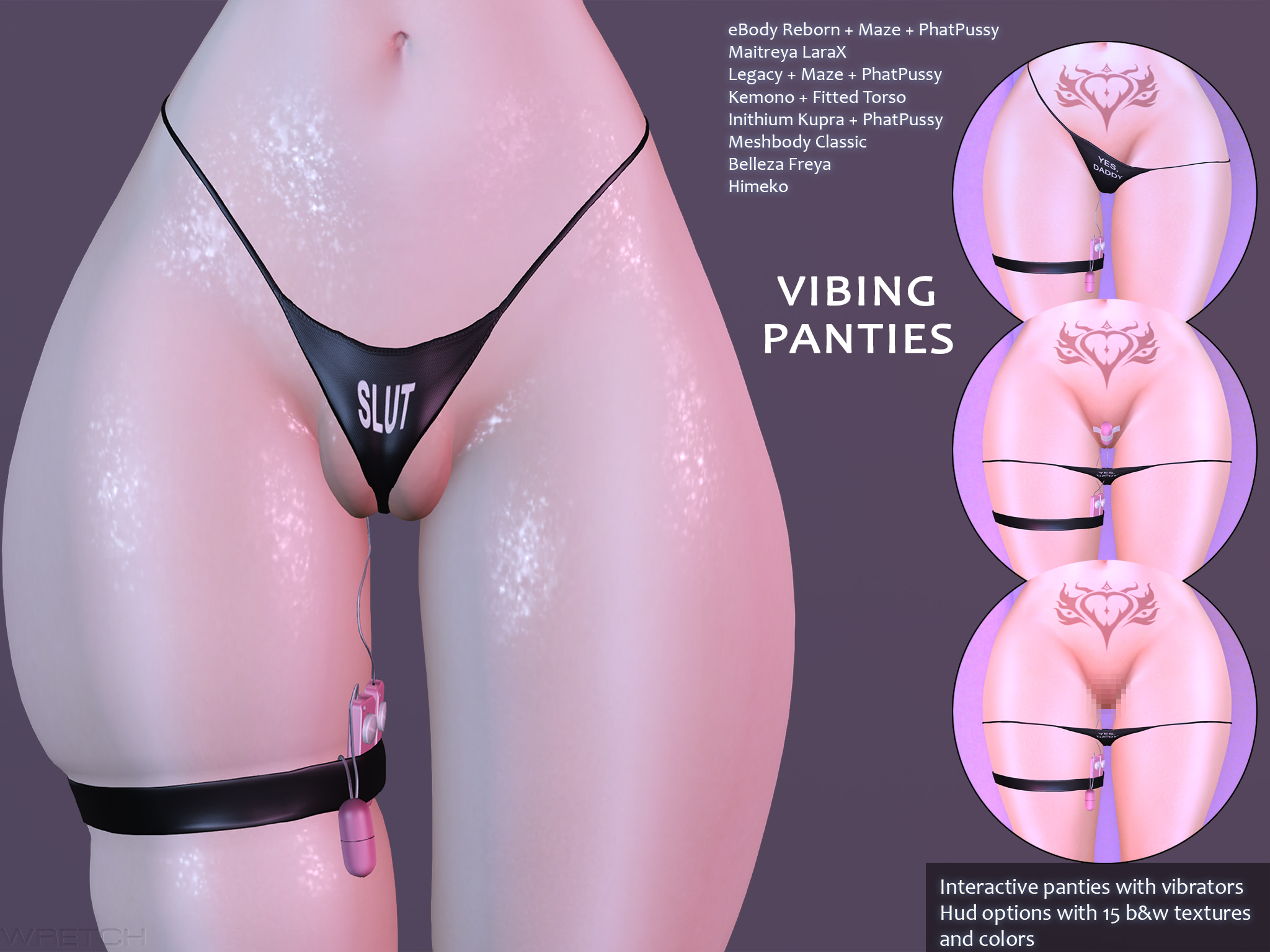
    The outfits ready for Himeko Squeeze: Socks&Shoes, Tabi & Geta, Maid Dress, Harajuku, Vibing Panties, and the free leg garters included with it.


    They are all available at the mainstore, the side store at AMH and on Marketplace