
Blender Add-on: Wretch AutoFit is out, refit a garment to a new body automatically
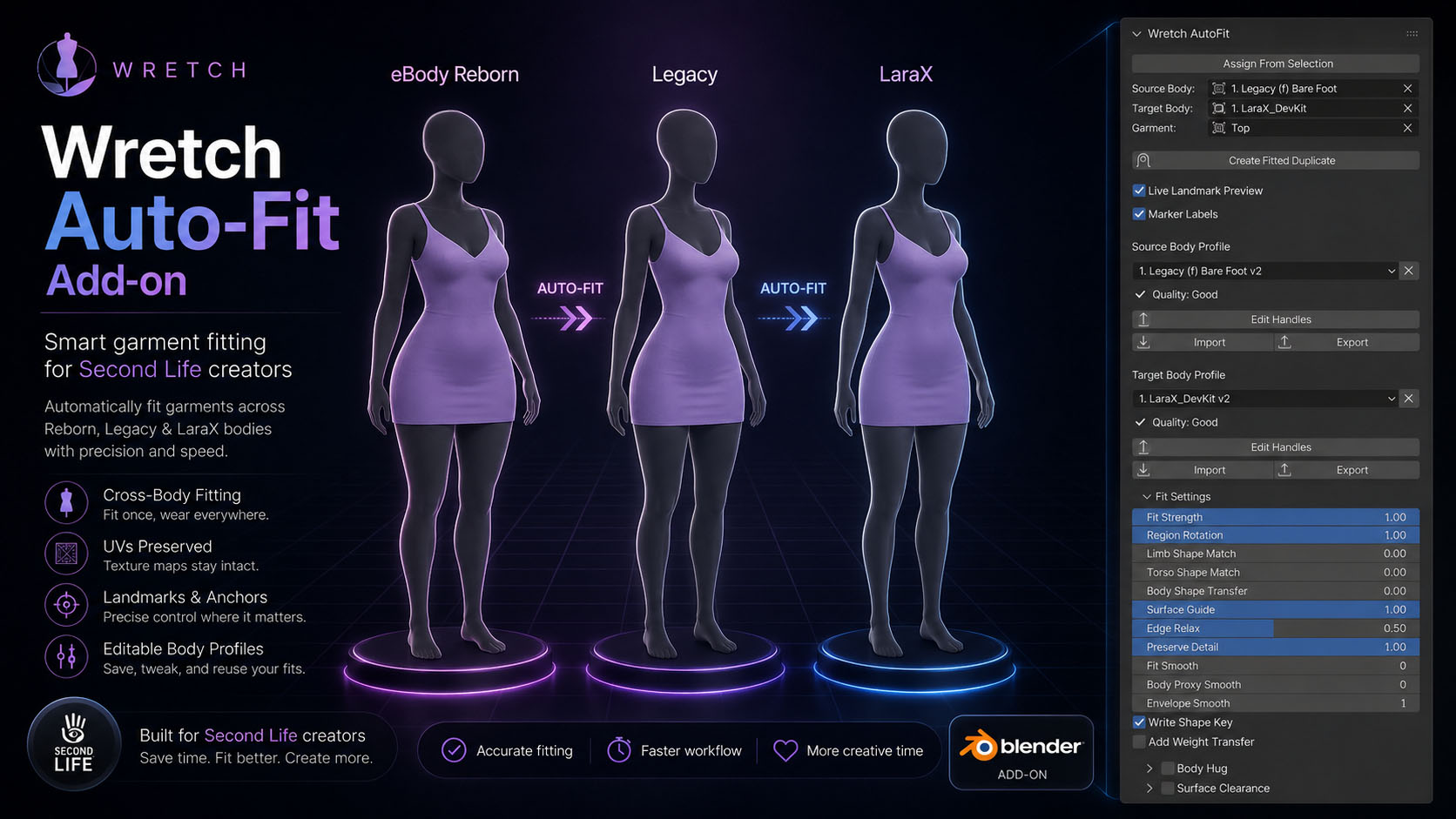
Wretch AutoFit is a Blender add-on that takes a finished garment and refits it to a different body shape, without manually doin it.
What it actually does
You point it at three things: the body the garment currently fits, the body you want it on, and the garment itself. Hit fit, and it rebuilds the garment against the target body’s real surface, the actual mesh proportions, not a rough scale guess.
It duplicates the garment and writes the result into an AutoFit_Result shape key. Topology, vertex order, UVs, materials, custom layers, all preserved. If you hate the result, you delete the duplicate and nothing happened.
A few things worth calling out:
- Live preview. You don’t fit once and pray. You start a live duplicate and drag the sliders while the garment updates in the viewport. Torso match, surface guide, body hug, clearance, all adjustable while you watch.
- It reads the body instead of guessing. It finds the waist, hips, bust, underbust, neck, crotch, armpits, and limb joints by measuring the mesh, even on A-pose arms or when thighs touch.
- Garment-aware behavior. Tight areas hug the body, loose areas keep their drape, and collars, cuffs, hems, and zipper strips get protected so they don’t collapse. You can paint these by hand if the auto-classifier guesses wrong. (this is actually for a future update)
- Body Hug and collision for when you need it tighter or it’s clipping through.
It’s not magic, and I won’t pretend it is
Big proportion jumps: Legacy to eBody Reborn is the classic one, still want you to place a few landmarks by hand and nudge a couple of sliders. The page https://wretch3d.com/wretch_autofit has my actual starting numbers for the common conversions, because “just use the defaults” is a lie I’m not going to tell you. What it does buy you is going from hours of manual reshaping to a few minutes of slider work.
Requirements
Blender 4.2 LTS or newer (I tested on 4.2, 5.1 and 3.6.4 worked as well). Install the zip through Edit > Preferences > Add-ons > Install, enable it, and the panel shows up in the N-sidebar under Wretch AutoFit.