-
Tabi & Geta

Tabi & Geta compatible with Soft Thighs addon from Maze
Squeeze with Legacy, eBody Reborn and Inithium
It is now available at the mainstore and on MP (demo at the mainstore)
Mainstore taxi: https://maps.secondlife.com/secondlife/Lestern/96/223/1413
Marketplace: https://marketplace.secondlife.com/p/Wretch-Tabi-Geta/2362704779680
-
Vibing Panties update

I’ve updated the Vibing Panties with 2 new sizes: meshbody classic and Legacy.
Wear your update card to get the new version, or redeliver it from the store inworld or on the marketplace if you bought it there.
-
New Kemono Metal Heels for SaNaRae
This month at SaNaRae you will find these metal heels for the Kemono avatar with a full texture Hud as usual.
These heels are for the Kemono Feet Mid, so you need to have them to wear the heels. You can wear them with the bunny tights and they will be compatible with the future tights as well.
Start : March 26th at 7pm SLT
Location : https://maps.secondlife.com/secondlife/Spring%20Morning/192/136/4013
20% discount during the event.
-
2 new items this month
They are still work in progress, this month I will release 2 new items at the same time, a complete outfit and a body addon for the Kemono.
The feet addon will be necessary for this outfit to wear heels and sheer tights. It is also to bring a new standard for the Kemono feet with high and medium height later as a base for all kind of heels.

In world texture making and tweaking. A challenging task.

And I still didn’t made the other sizes. While I know the corset will be quite easy to do for the Fitted Torso, the tights will be a nightmare ! 😡
-
New Kemono Frill Top
This month at SaNaRae the new item Frill Top is a corset and sleeves with hideable puff.
Also you will find a christmas gift (a new top for kemono with all the usual sizes).Start : November 26th at 7pm SLT
Location : https://maps.secondlife.com/secondlife/Spring%20Morning/192/136/4013
20% discount during the event.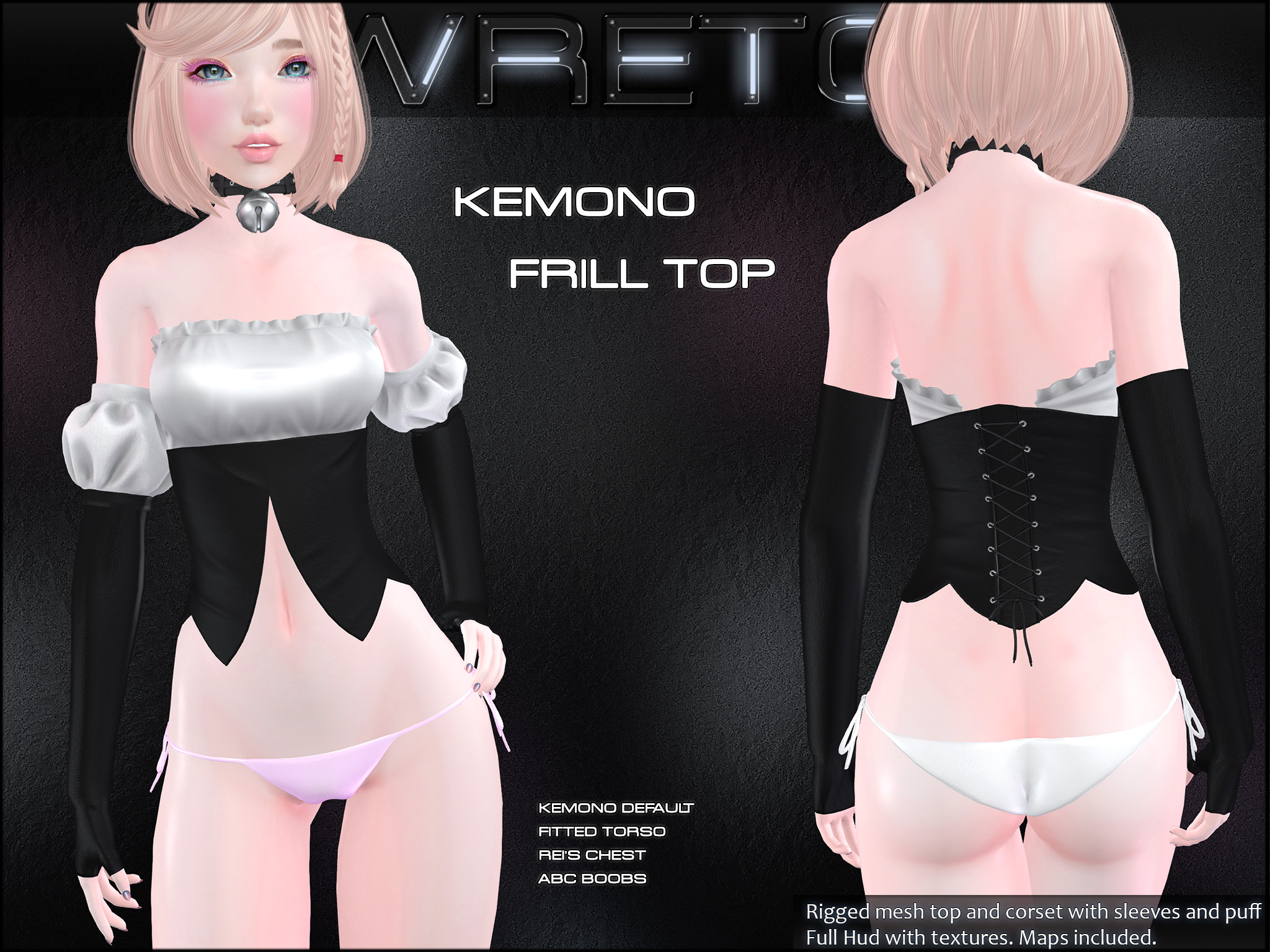
-
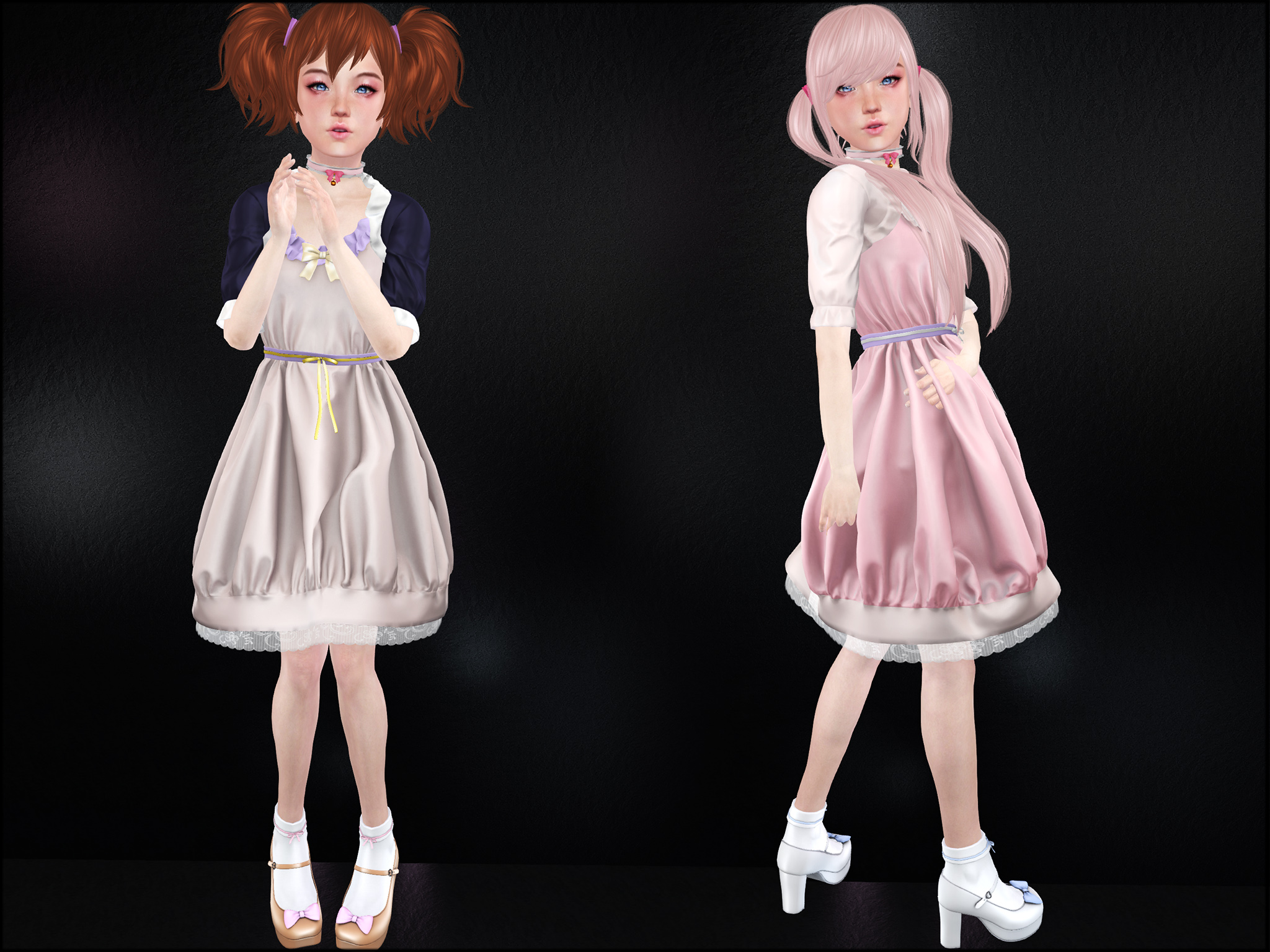
Update : Kemono Casual Dress for AVI(L)
The Kemono casual dress has been updated with the AVI(L) sizes (all breasts option)
If you don’t have the AVI(L) body there is no need to update.
The dress is still at Sanarae : https://maps.secondlife.com/secondlife/Spring%20Morning/192/136/4013
-
Update for the Kemono Maid Dress
A little update for the Kemono maid dress. I added the auto alpha on the dress, it hides the shoulder and upper arms and also the nipples (and piercings from the fitted torso).
Nipples and piercings toggle on and off when the top is pulled up or down.If you don’t need these changes you don’t have to update.
To get the update just wear the update card in the folder, or go to the redelivery terminal in the store (Wretch Mainstore) -
M4 Blindfold gift
Rigged blindfold mesh for the M4 anime head
Come play the game to win your prize, it’s free.
http://maps.secondlife.com/secondlife/Lestern/96/223/1413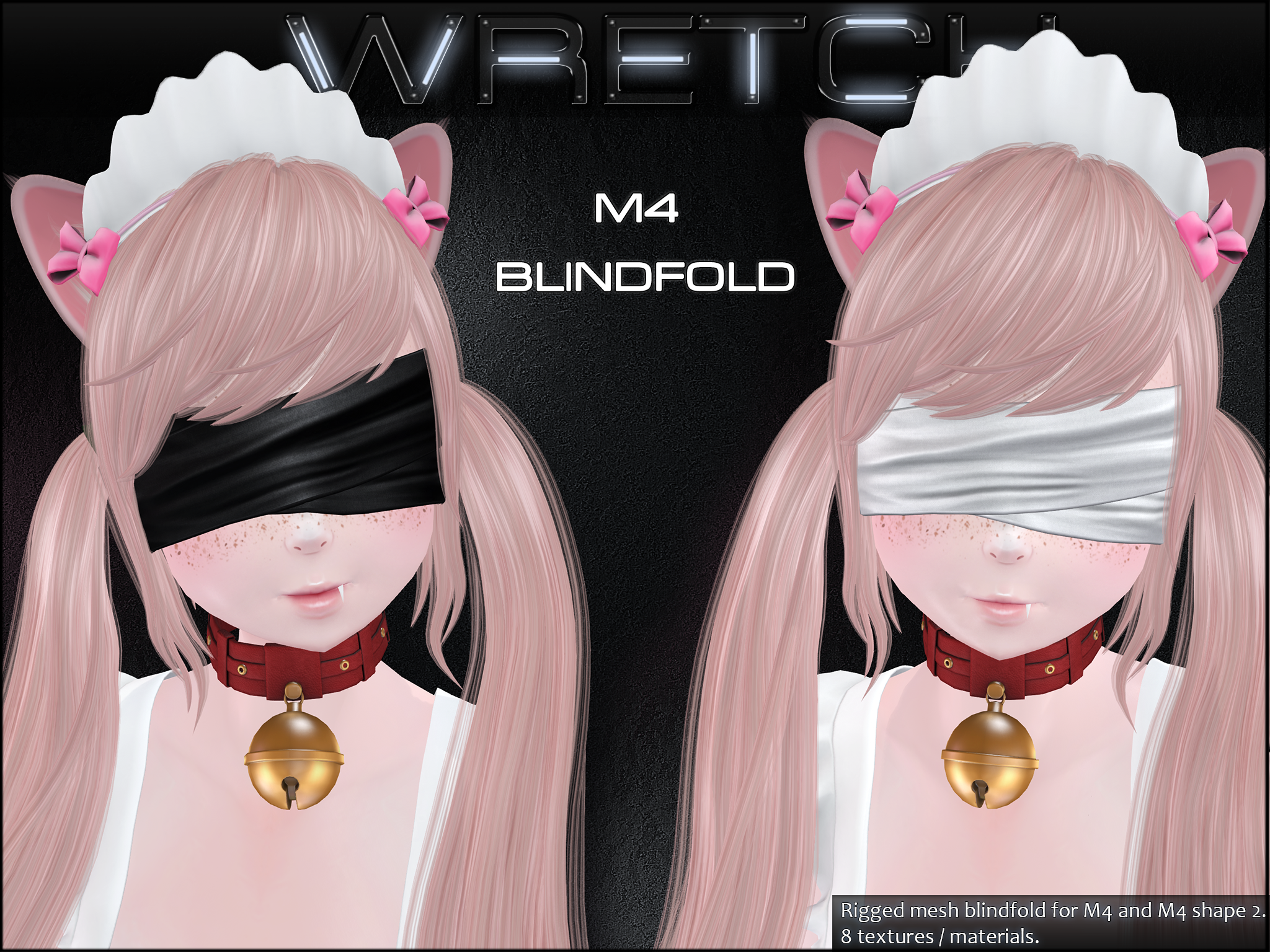
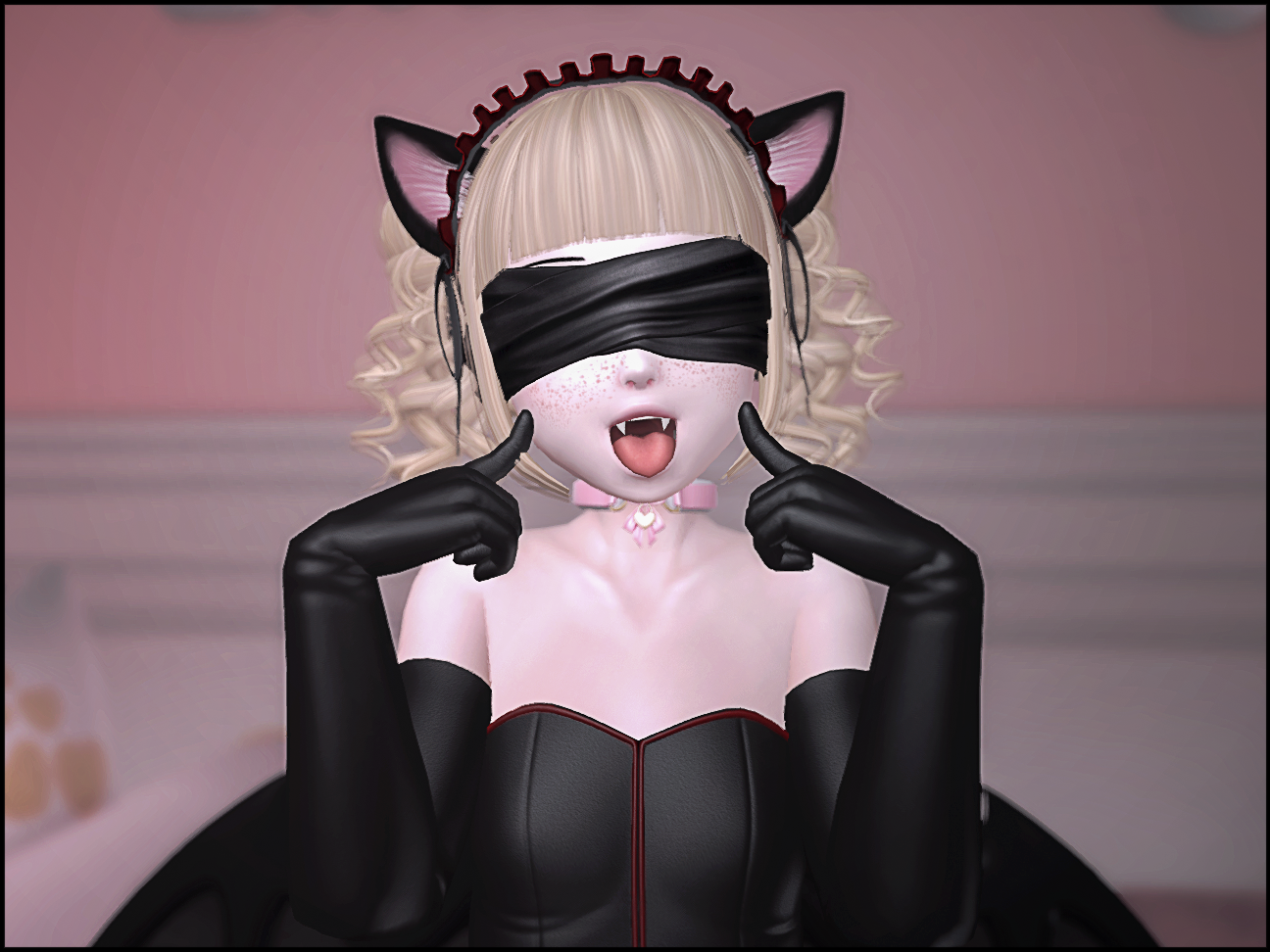
(picture by mei mei: Flickr )
-
Stress Test Lace Bodysuit WIP
Heavily doing some stress test of the rig.
The way this bodysuit is made doesn’t allow alpha on the kemono body, and it is a tight fit !
Pokes through are expected with extreme poses and animations.


You May Also Like

Kemono Harness WIP
-
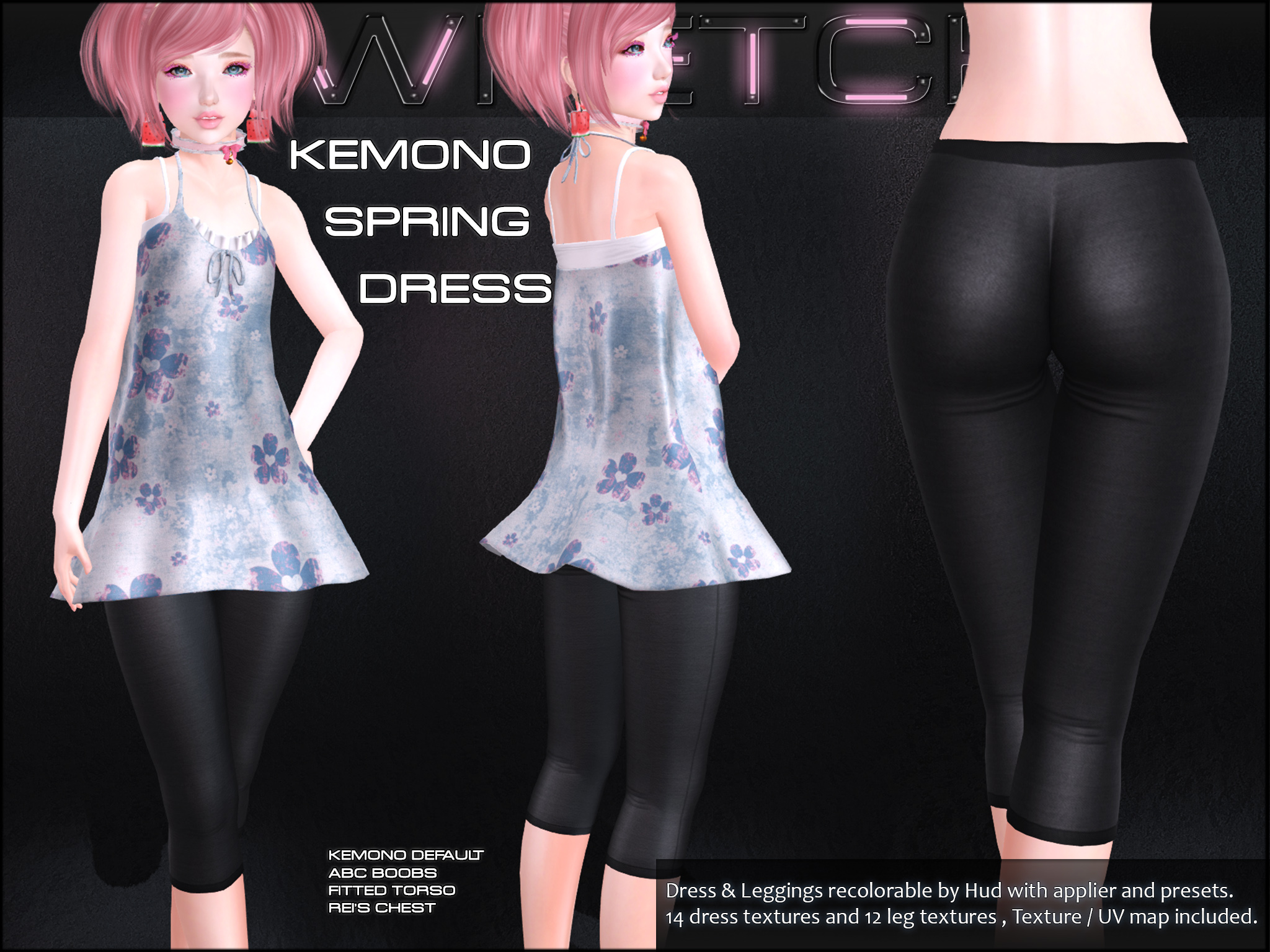
New Kemono Spring Dress @ SaNaRae
New release for the Kemono with a cute spring dress with separate leggings.
Both come with the default Kemono size and the Fitted Torso (Busty and petite) from Starbright, plus the dress has a Rei’s Chest and ABC boobs size !
The leggings are for human legs only.
Location : https://marketplace.secondlife.com/p/Wretch-Kemono-Spring-Dress/11783640